
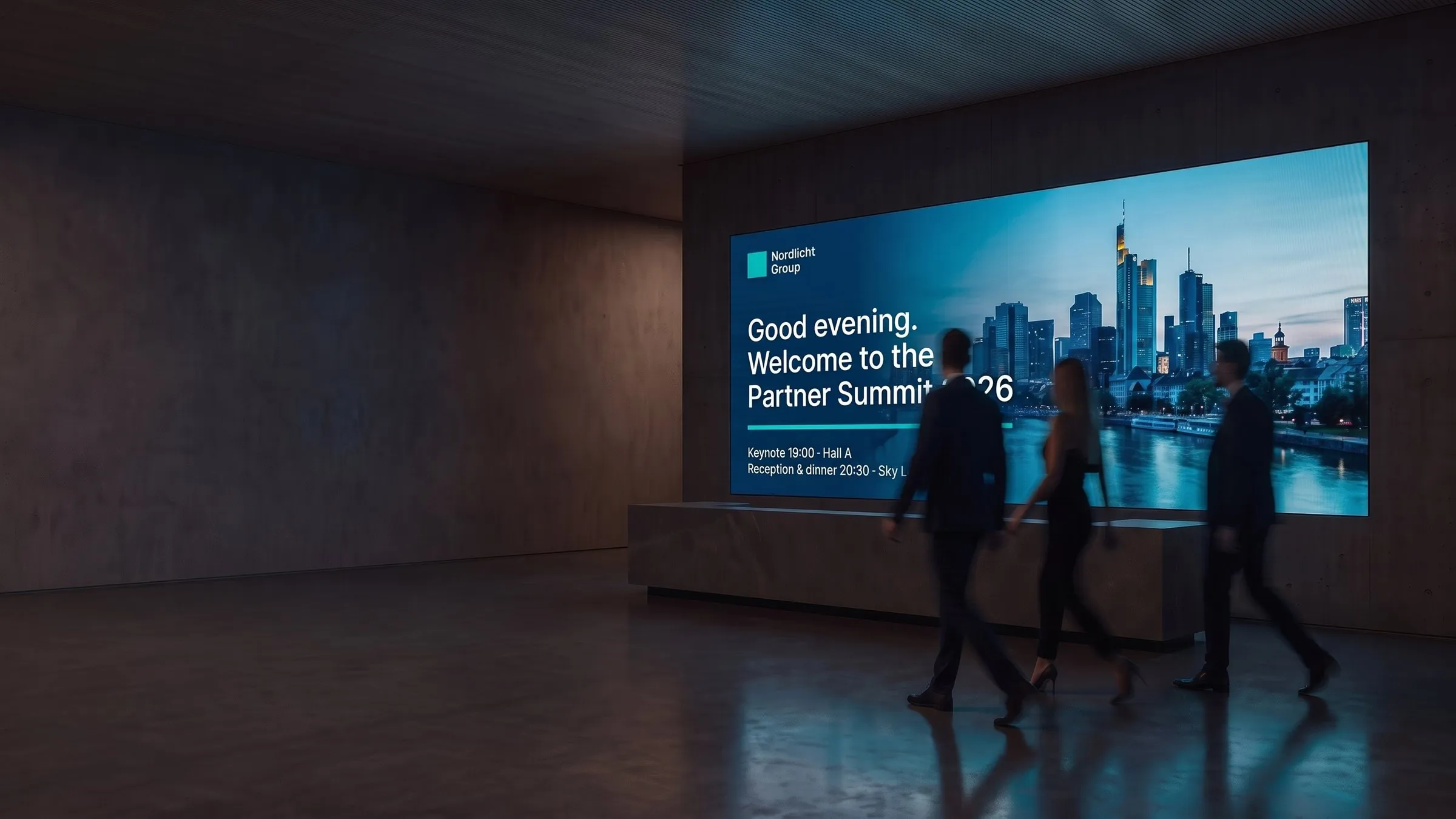
Digital signage for every space
Digital signage that simply works.
With viewneo you create and schedule content for your screens — right in your browser. From a single shop to an entire store network.
Try every feature for 30 days. After that, use one screen free forever. No credit card needed.
Used by international brands and single shops alike









How it works
Digital signage live in three steps.
This is what it looks like in viewneo — real views from the software.
 01
01Connect a screen
Plug in a viewneo player or open the viewneo app on a supported device and pair it with a code. From then on you see every screen and its status.
 02
02Create content
Upload images and videos or design slides in the Content Designer — then arrange everything in a playlist.
 03
03Schedule and go live
Decide what plays when — by time, weekday or rule — and go live on one screen or thousands.
Why viewneo
What can you do with viewneo?
Design slides in the Content Designer or upload your own images and videos. If you like, images can also be created by prompt.
Schedule playlists and send them to one, several or all screens — for every location from one account, with live device status.
Add plugins for weather, social media, Power BI and more per player, add more screens, and run many locations with Enterprise.
Industries
Digital signage for every industry
The same platform for a single shop and for a business with many locations. Here is how teams use viewneo in their industry.
 01
01Retail
Interactive shelves and in-store campaigns you can change live.
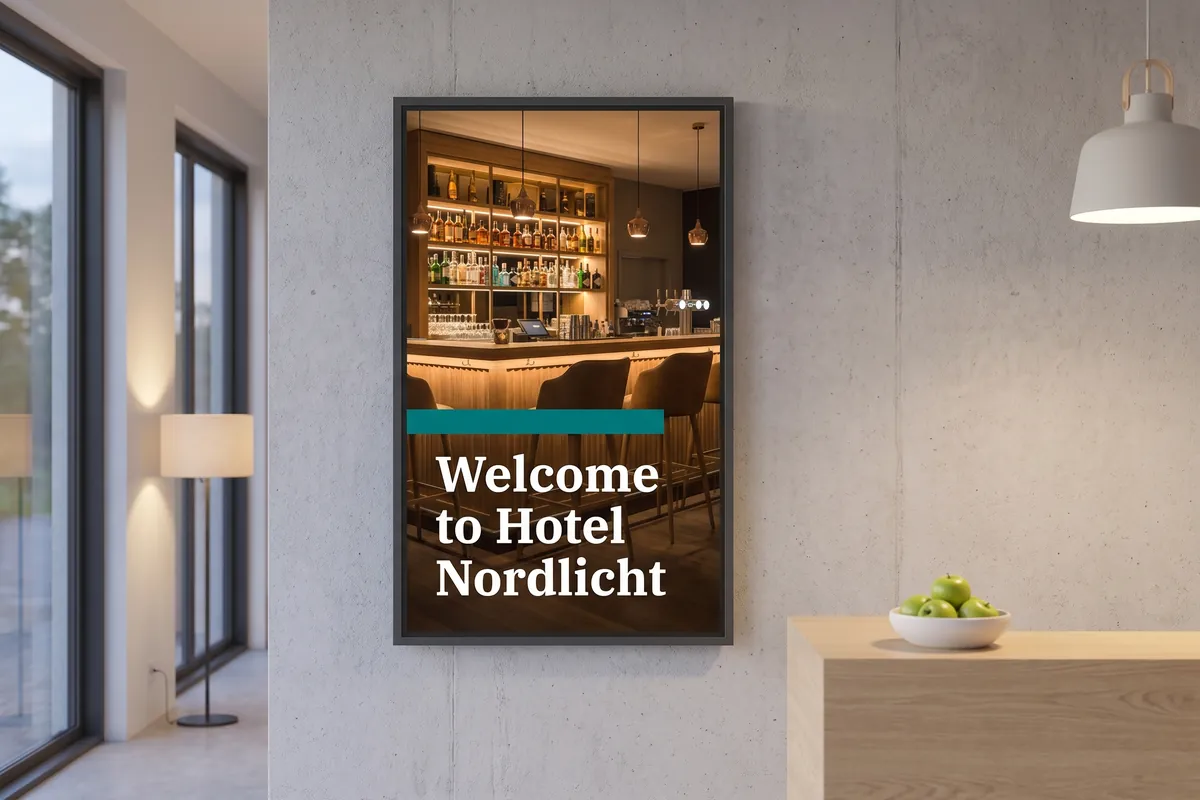
Wayfinding, menus and information for guests.
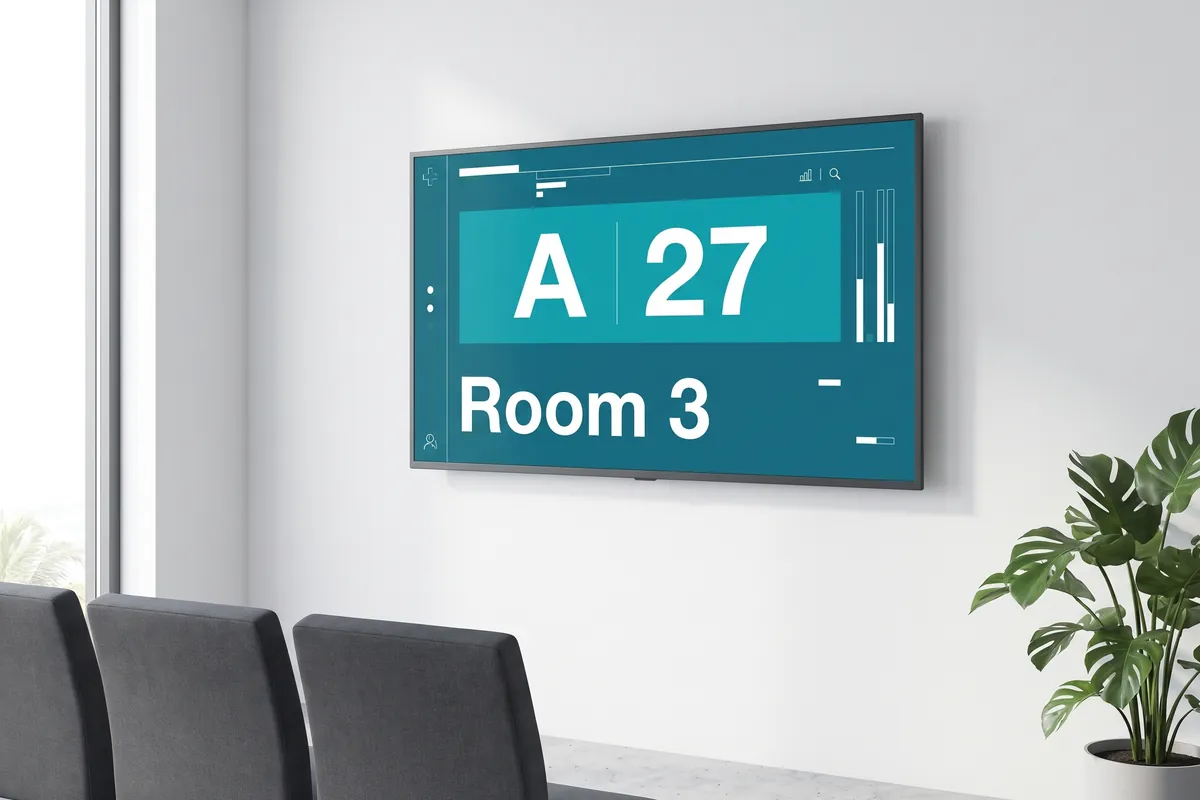
Waiting-room information and clinical communications.
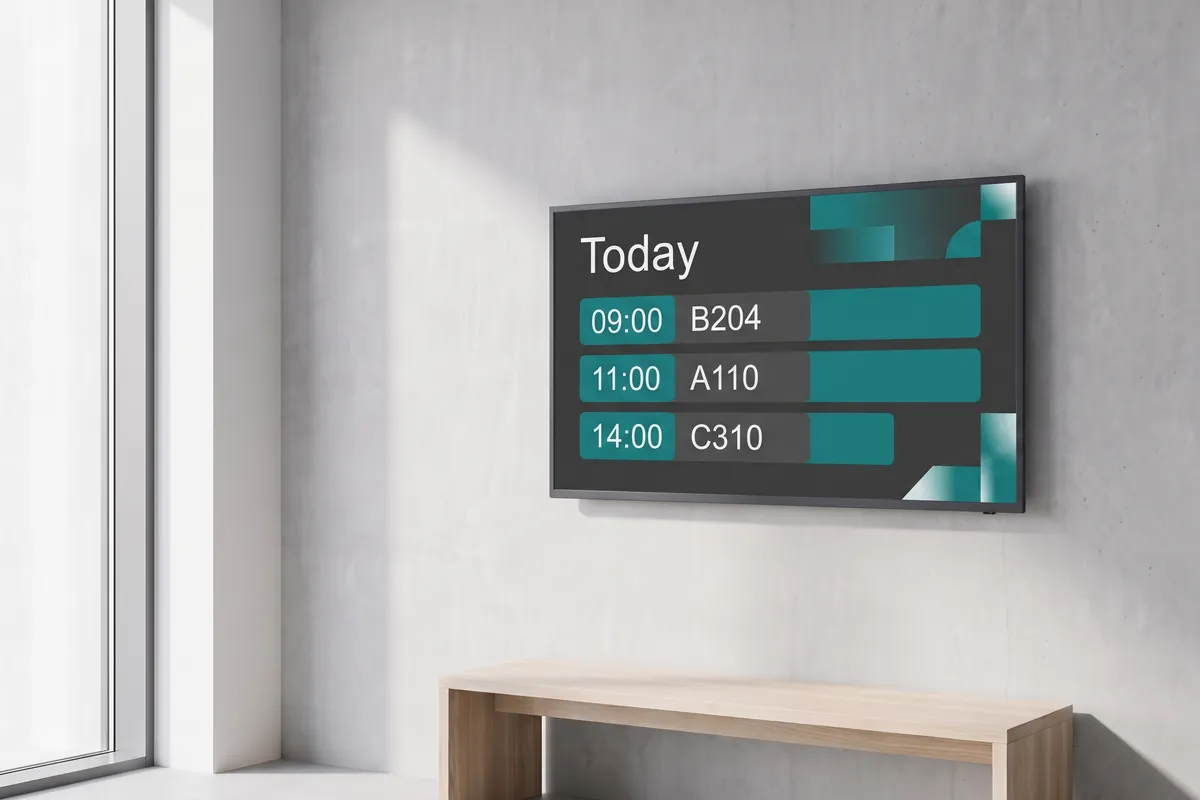
Announcements, wayfinding and priority emergency messages.
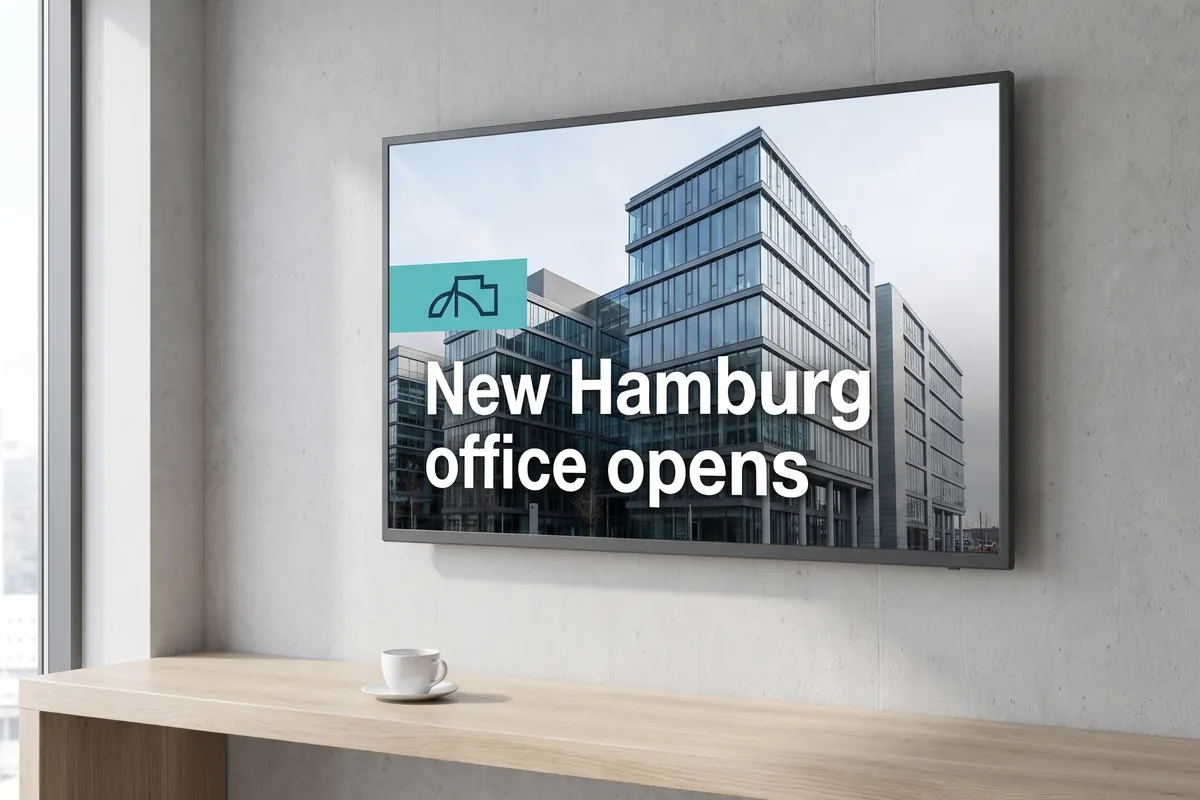
Meeting rooms, lobbies and screens for employees.
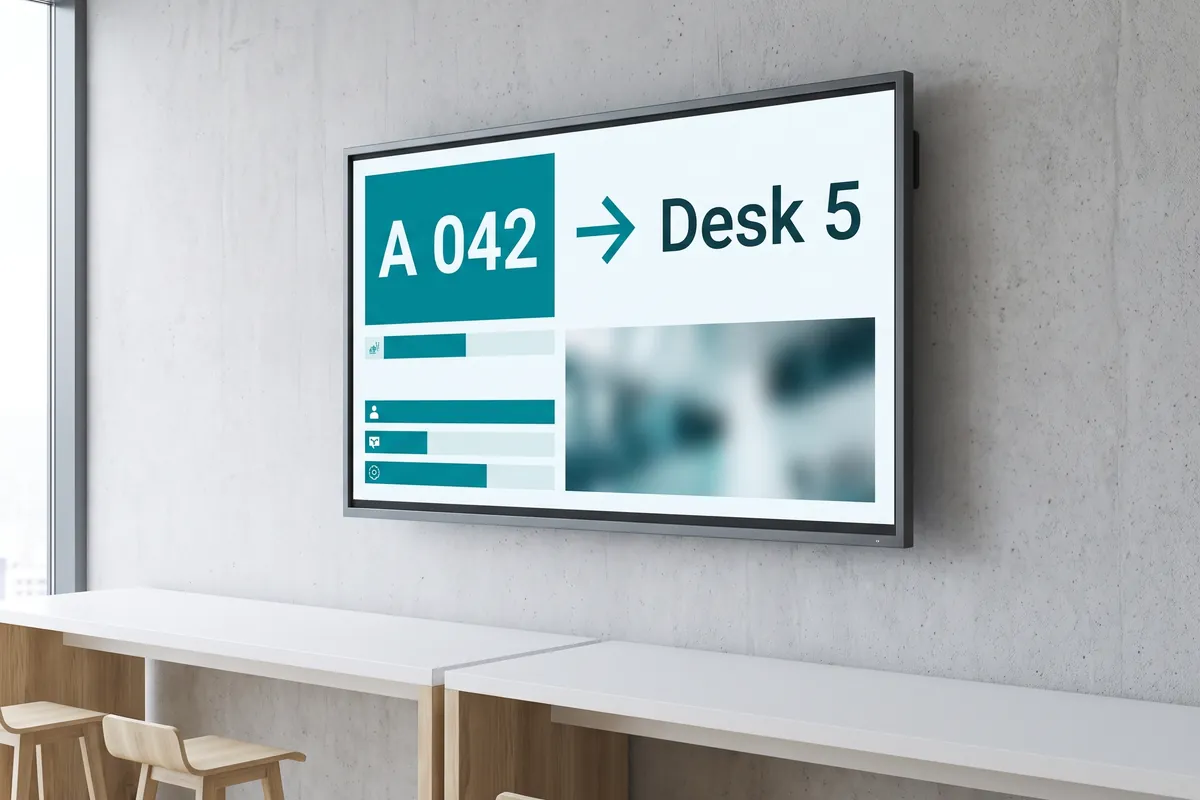
Waiting systems, room signage and wayfinding.
Customer stories
How customers use viewneo.
One of Germany's three largest optician chains replaced static posters with screens in more than 145 stores — run from one central marketing account.
Guest-facing screens in lobbies and reception areas, managed from a single account.
Customer voices
What our customers say.
viewneo was exactly the right choice for us, because of the additional content … it is quite simple and, above all, fast.
As a non-tech savvy person, I was initially somewhat skeptical … but viewneo really taught me that I was wrong!
We have tried products from other competitors, but none of them was as easy to use as viewneo. We love it!
Pricing
What does viewneo cost?
Billing is per player — the device that drives a screen. Usually every screen has one player.
Free
$0One screen and one playlist for one person, free forever. No plugins, templates or AI.
Professional
Most popular$21 per player per month, or $210 per year (equal to $17.50 a month). Includes AI images; plugins can be added per player.
$280 per month plus $17 per player. Sub-accounts for locations, shared content and optional white label.
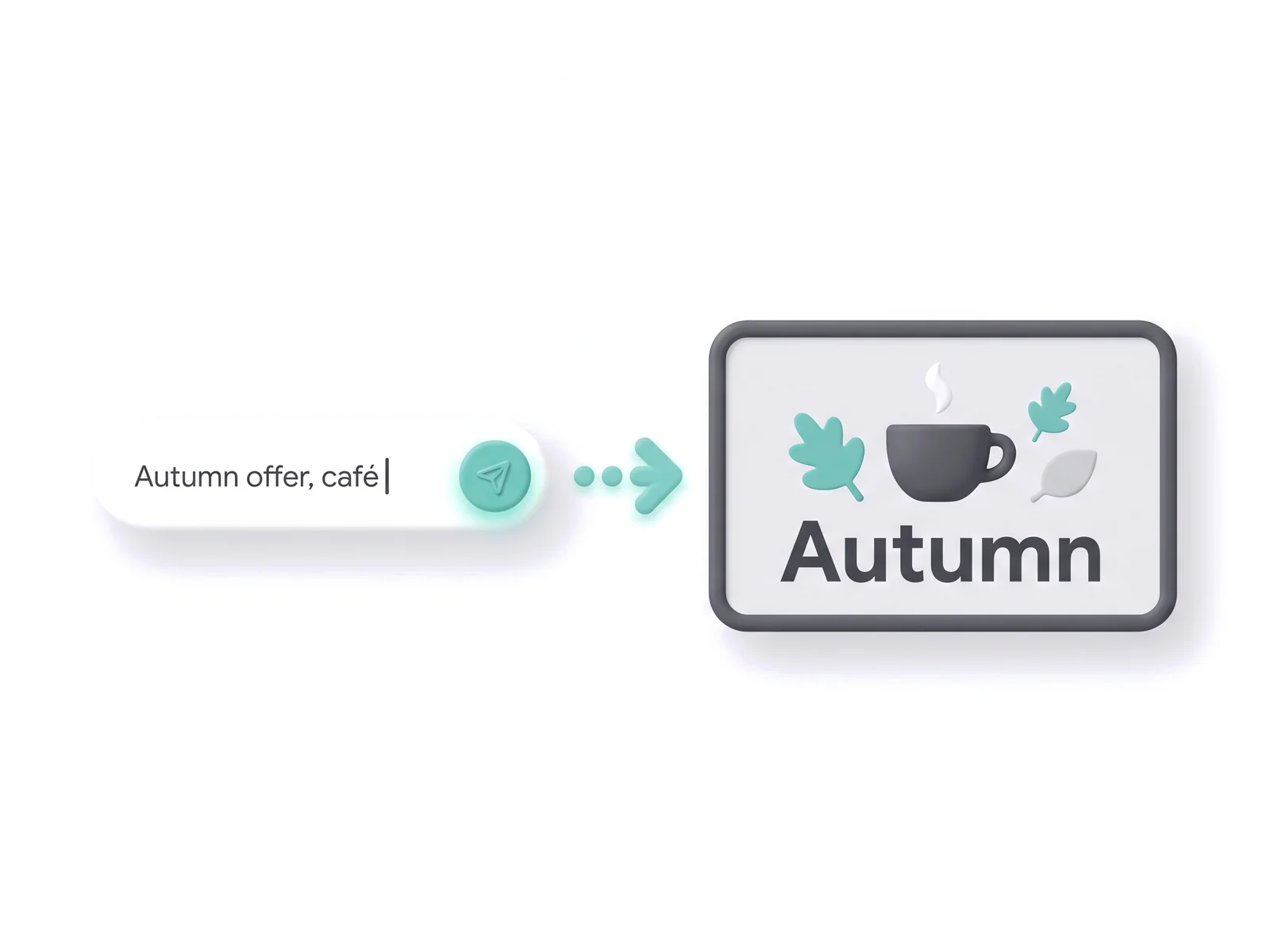
AI content
Design it yourself — or create it by AI prompt.
In viewneo, images for your screens can also be created by prompt if you like — in addition to designing them yourself in the Content Designer. A short sentence is enough, for example “Autumn offer for our café, warm colours, portrait format”. Today this creates images; complete, ready-made screens from a single description are coming soon.
- Today: generate images by prompt
- Coming soon: finished screens from a single description
- Included from Professional and in the 30-day trial
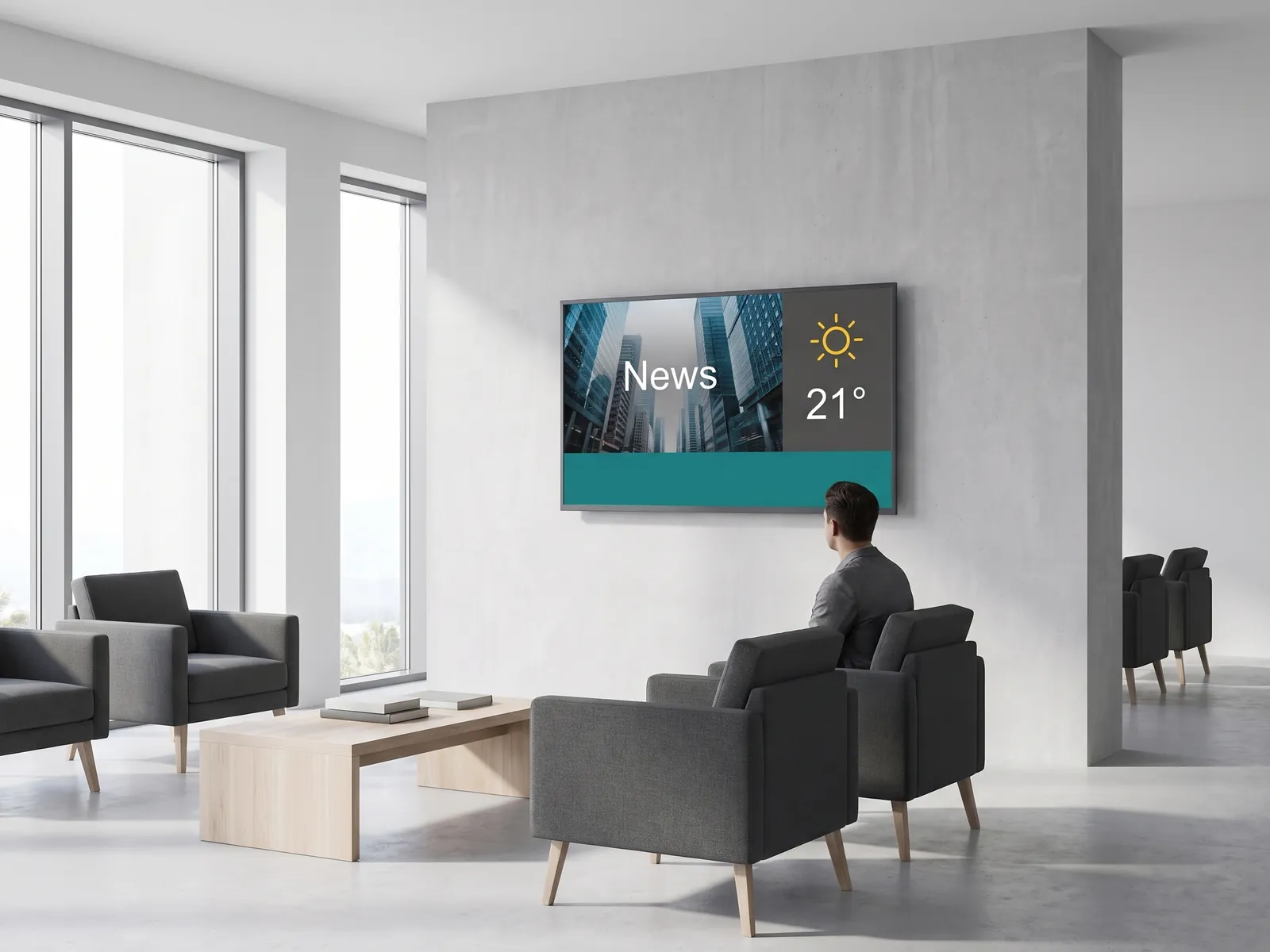
New: contboxx
Ready-made content that updates itself.
contboxx delivers constantly updated content for your screens: news, weather, sports, knowledge, and more. Just pick channels, drag them into the playlist, done. The new contboxx platform goes live at the end of October 2026 with a free plan and paid plans from Starter to Enterprise — viewneo customers get 50 % off the paid plans.
- Self-updating channels for news, weather, sports, and knowledge
- Drag a channel into any viewneo playlist
- 50 % off the paid plans for viewneo customers
More on the platform
Salesforce, HubSpot, Power BI, SharePoint, weather, social media and more — booked per player and movable to another player at any time.
The viewneo 4K Signagebox and other supported players, plus camera, RFID and sensors for the smart store.
Internal communications on your screens: Vault turns news from SharePoint, Teams or SAP into short messages — on-premises and GDPR-compliant.
Frequently asked questions
What is viewneo?
What is the difference between a screen and a player?
Which devices can I use as a player?
Who uses viewneo?
How does pricing work?
Is viewneo free?
Can viewneo create content with AI?
Is viewneo GDPR-compliant?
Bring every screen under one platform.
Start for free with one screen and grow when it suits you.